
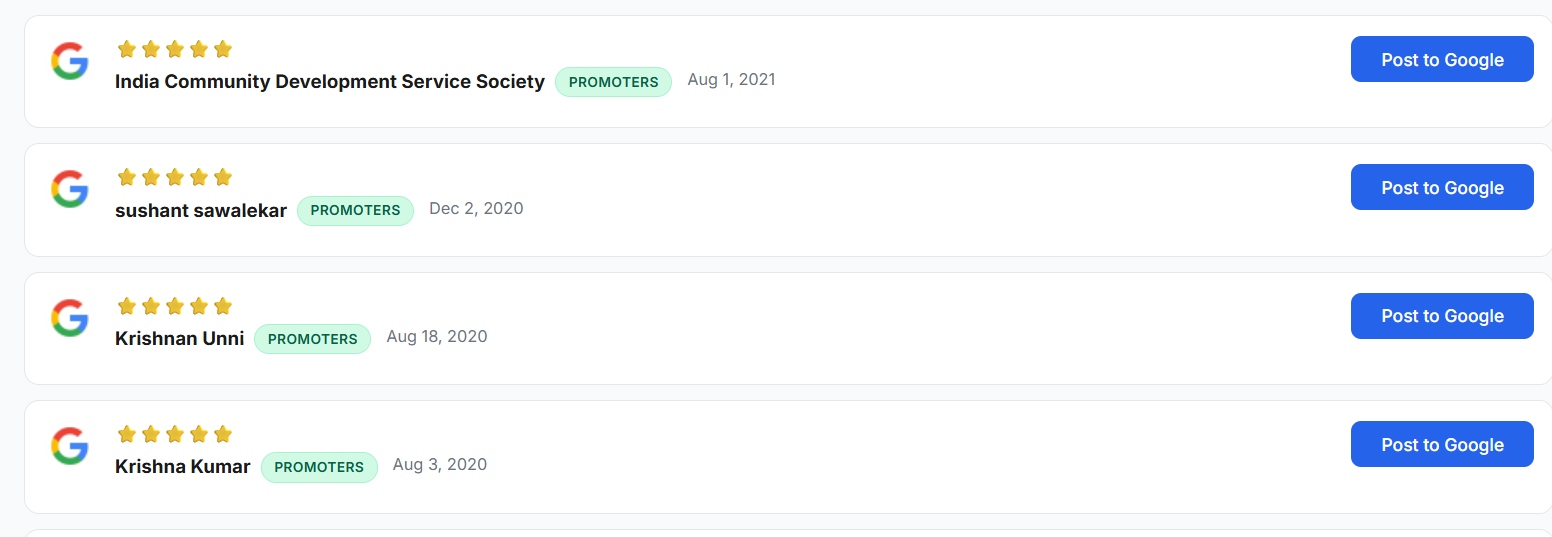
Replying to Google reviews can support your visibility on Google Maps, but it is not a quick trick that pushes you to the top overnight. Strong, consistent replies show that your business is active and customer-focused. Over time, that can improve trust, increase engagement with your listing, and encourage more people to leave reviews.
Does replying to Google reviews improve Google Maps rankings?
In most cases, replying to Google reviews isn’t a direct ranking factor on its own. Google Maps results are mainly shaped by relevance, distance, and prominence. Reviews matter inside “prominence” because they can influence:
Review volume (how many you have)
Review quality (ratings and what customers say)
Customer actions (calls, direction requests, website clicks, bookings)
Good Google review responses can support these signals indirectly. When people see helpful replies, they are more likely to trust you, contact you, and leave feedback after a good experience.
Why review replies matter for managing online reviews
Managing online reviews is part of day-to-day reputation work. When you respond to both positive and negative reviews, your Google Business Profile looks maintained, not ignored.
A good response can:
a. Thank customers and confirm what went well
b. Show future customers how you handle issues
c. Correct misunderstandings without arguing
d. Encourage more customers to share feedback
e. Clarify your service in a natural way (without keyword stuffing)
How to write professional Google review responses
The best Google review responses are short, specific, and polite. Avoid copy-paste replies that sound generic. You can use a template, but always add one detail from the review.
Use this simple structure:
1. Say thank you. Keep it genuine.
2. Reference one detail. Mention the service or situation they described.
3. Address concerns calmly. For a negative review, acknowledge the issue and apologise when appropriate.
4. Move sensitive issues offline. Share a contact method so you can resolve it privately.
5. Keep it brief. Two to five sentences is enough most of the time.
Example (positive): “Thank you for the review. We’re glad our team could help and that the service was smooth. We appreciate you choosing us.”
Example (negative): “Thank you for the feedback, and we’re sorry to hear this. This is not the experience we aim to provide. Please contact us so we can understand what happened and make it right.”
Consistency and speed
Timing often matters more than getting the wording perfect. When you can, reply within 24–72 hours. If you have a backlog of older reviews without responses, begin with the most recent negative reviews, then the most recent positive ones, and work backward from there.
For teams managing multiple locations or a high volume of reviews, ReplyPro makes it easier to organise responses and stay consistent. It works best when someone still checks replies for accuracy, particularly in complex or sensitive situations.
Local tip for Bangalore businesses
If you serve particular areas in Bangalore Division—such as Whitefield, Indiranagar, Jayanagar, or Electronic City—you can mention the service location naturally when it relates to the customer’s experience. Avoid forcing location references into every reply.
The takeaway
Responding to Google reviews can help improve your Google Maps performance by building trust, encouraging engagement, and strengthening your overall review presence. Think of each response as public customer service: reply promptly, stay professional, and be consistent.
If you’d like help improving your Google Business Profile and increasing your local visibility, I can help you rank higher on Google Maps.
Leave a Reply
Your email address will not be published. Required fields are marked *